Amir - Quick Actions Addon
A downloadable tool
Stop Clicking Through Menus
You're testing your game. You need to reload the scene.
❌ Scene menu → Reload Saved Scene → Click → Wait
✅ One button. Done.
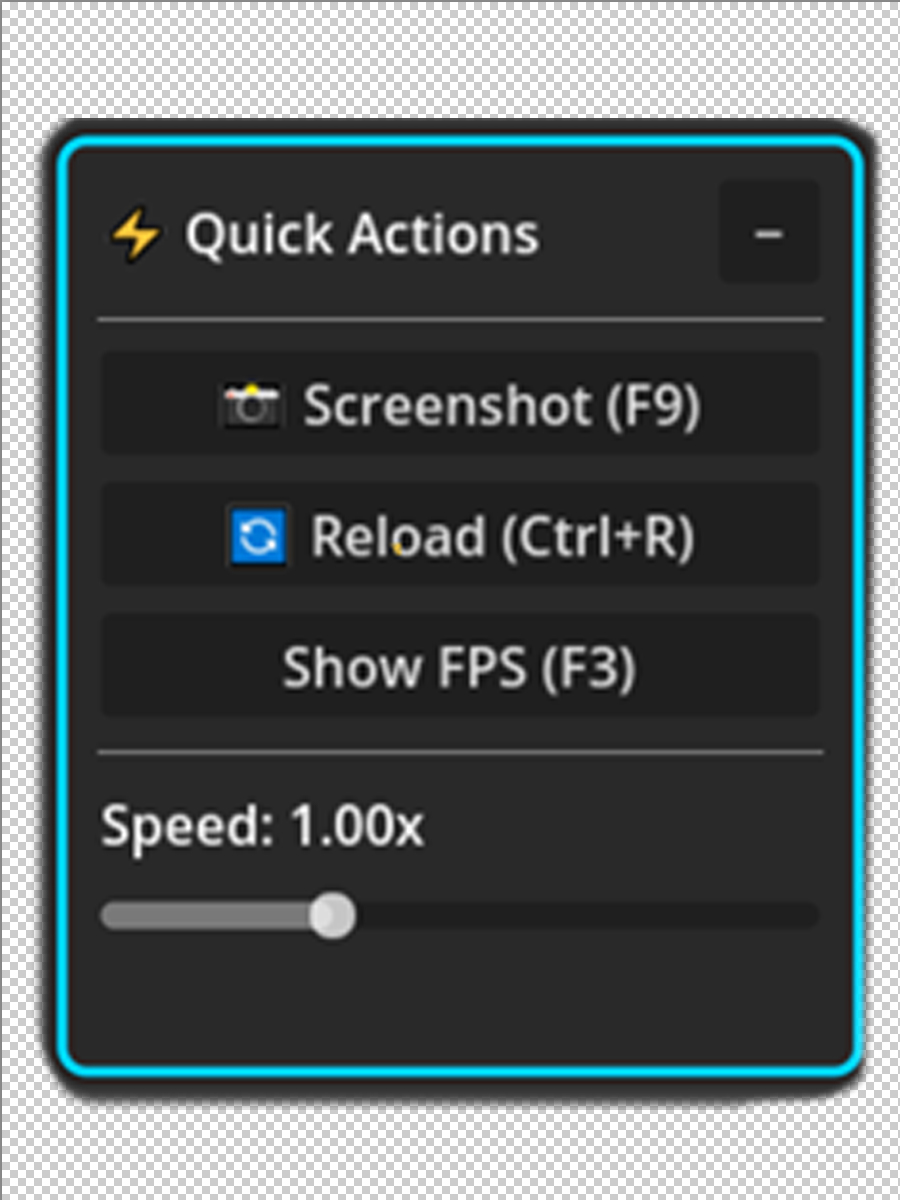
Quick Actions Panel is the floating toolbar every Godot developer needs.
Drag it anywhere. Click once. Keep coding.
What's Inside
🎯 Core Tools
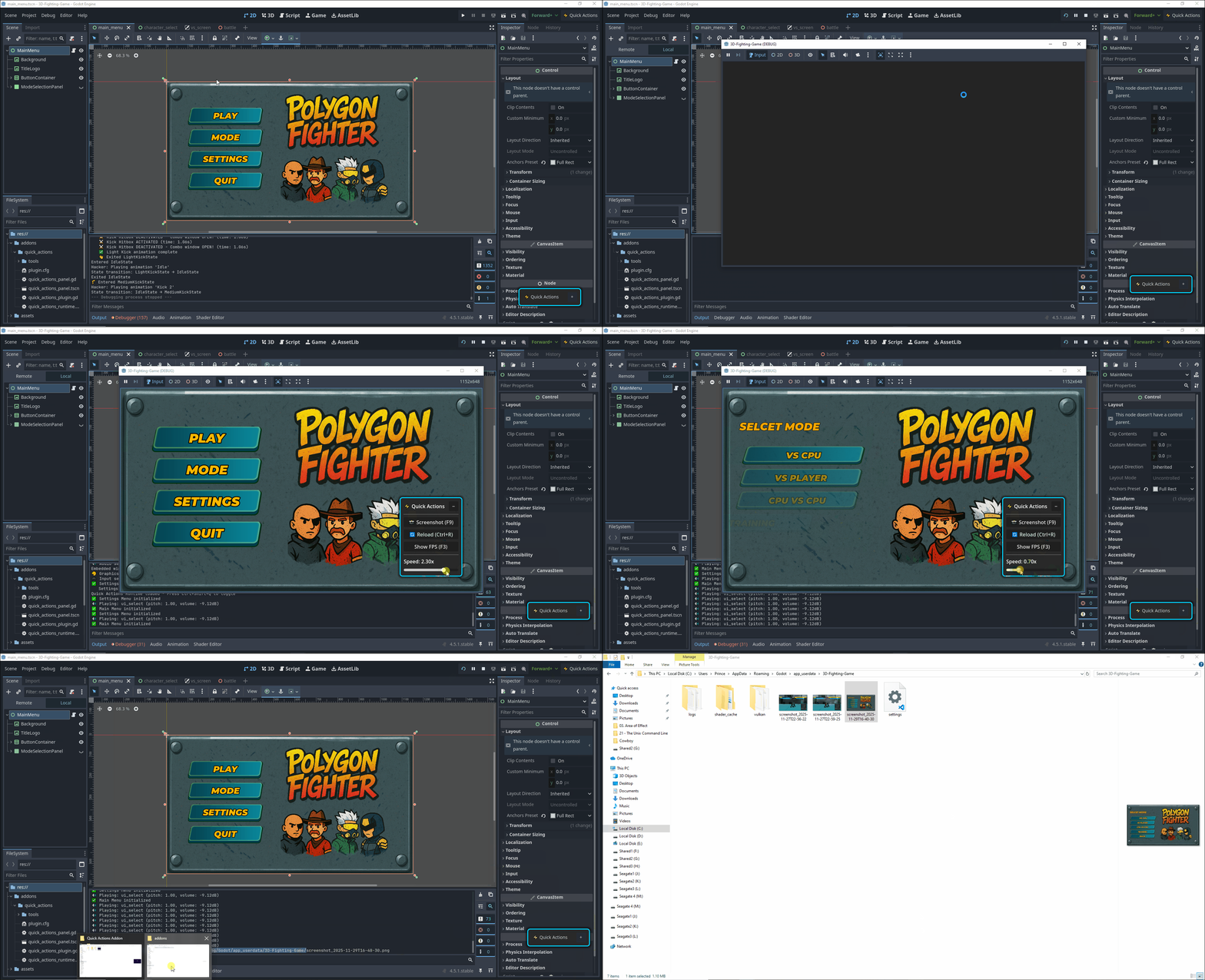
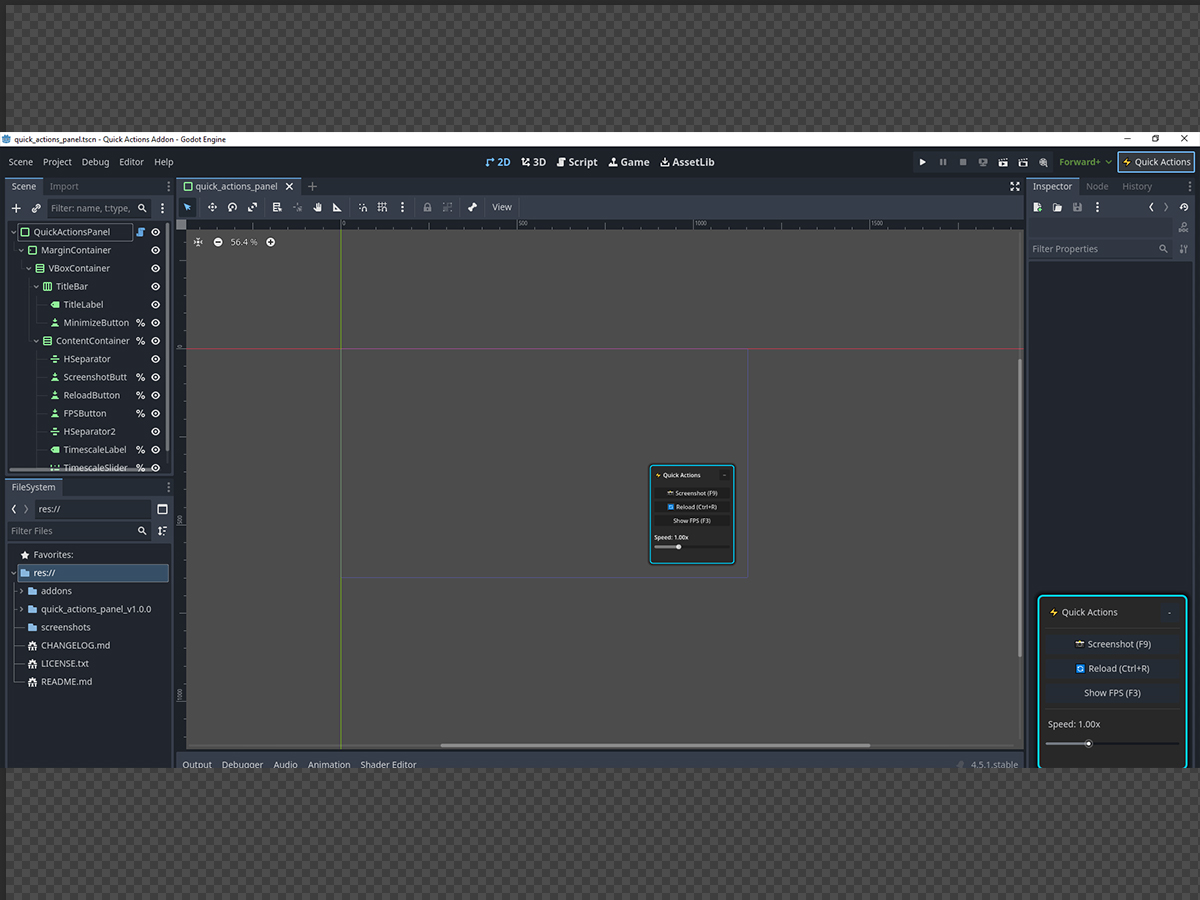
📸 Screenshot Tool
- Capture viewport instantly with F9
- Auto-excludes UI from screenshots
- Saves with timestamp to the user folder
🔄 Scene Reload
- Restart scene without menus (Ctrl+R)
- Perfect for rapid iteration
- Cleans up all counters automatically
👁 FPS Counter
- Toggle with F3
- Color-coded: Green (60+), Yellow (30-59), Red (<30)
- Always on top of game UI
⚡ Timescale Control
- Slider: 0.1x (slow-mo) to 3.0x (fast-forward)
- Hotkeys: Ctrl+/- to adjust, Ctrl+0 to reset
- Essential for testing time-based mechanics
Perfect For
✓ Playtesting platformers - Timescale slider = game changer
✓ Debugging UI layouts - Quick screenshots without external tools
✓ Performance testing - Real-time FPS monitoring
✓ Rapid iteration - Instant scene reloads
✓ Tutorial creation - Clean screenshots for docs
Why You'll Love It
⚡ Saves 100+ clicks per day
Stop navigating menus. Every tool is one click away.
🎨 Stays Out of Your Way
Draggable, resizable, minimizable. Position it anywhere.
⌨️ Full Hotkey Support
F9 (screenshot), F3 (FPS), Ctrl+R (reload), Ctrl+/- (speed)
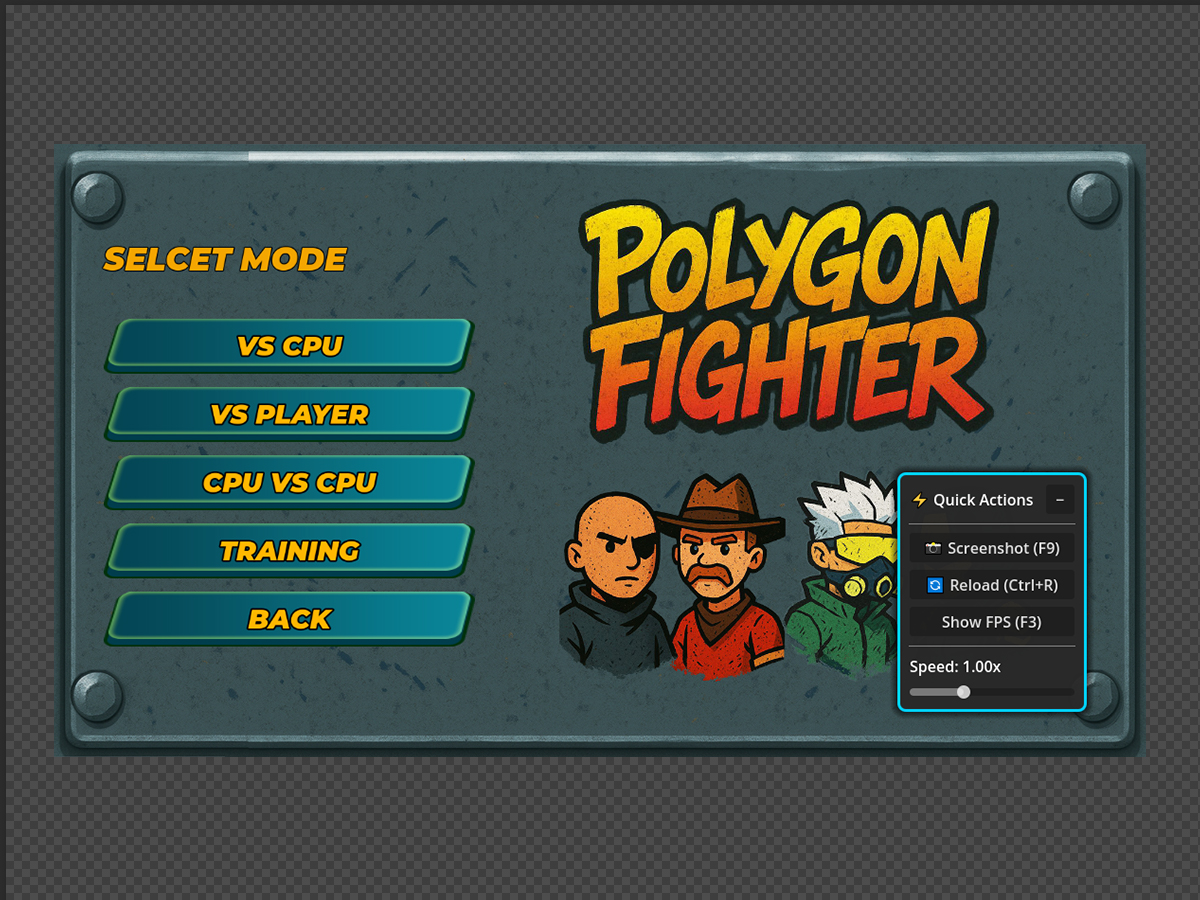
🎮 Works in Editor AND Runtime
Test features while developing or during gameplay.
🚀 Zero Configuration
Install the plugin. Click the toolbar button. Start using.
Installation (30 Seconds)
1. Extract to `addons/quick_actions/`
2. Project → Project Settings → Plugins
3. Enable "Quick Actions Panel."
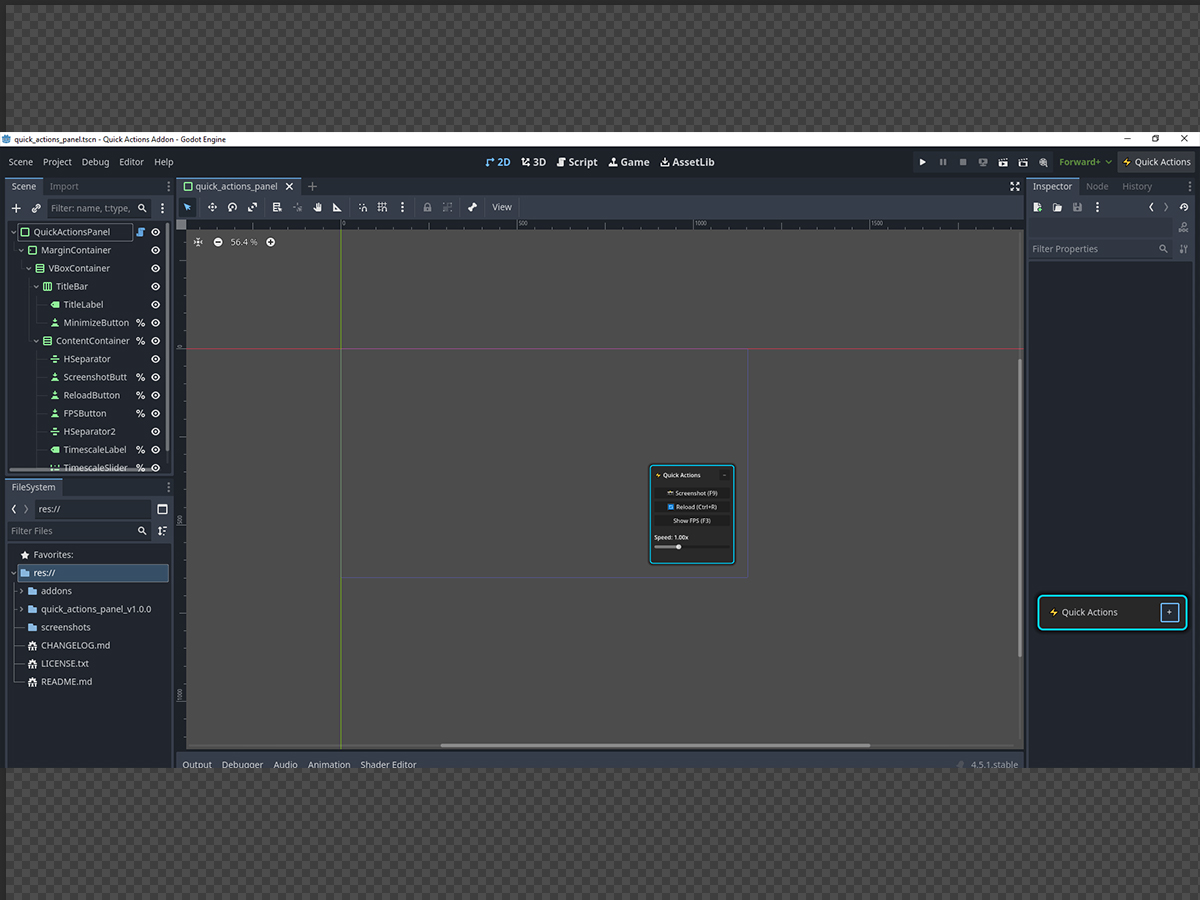
4. Click ⚡ Quick Actions in toolbar
That's it. You're done.
Technical Details
- Godot Version: 4.0, 4.1, 4.2, 4.3, 4.4, 4.5+
- Language: GDScript (fully typed)
- License: MIT (use in commercial projects)
- File Size: < 100 KB
- Performance: Negligible impact
Roadmap
v1.1 (Coming Soon)
- Area screenshot tool (select region to capture)
- Node path copier (right-click context menu)
- Quick save/load for testing
v1.2 (Planned)
- Screen recording (MP4/GIF export)
- Quick notes panel (in-editor TODO list)
- Scene history navigator
Vote on features in the community tab!
Support & Community
- 🐦 Twitter/X: @ahmedamirdev
- ☕ Support Development: Ko-fi
- ⭐ Star on GitHub
Get Started Now
Pay What You Want
(All updates included forever)
Buying this helps fund:
- New features and updates
- Free Godot Assets
- More open-source tools for the community
Thank you for supporting indie development! 🎮✨
Try Out My Latest Games:
Check Out My Other Packs
Download
Click download now to get access to the following files:
Leave a comment
Log in with itch.io to leave a comment.